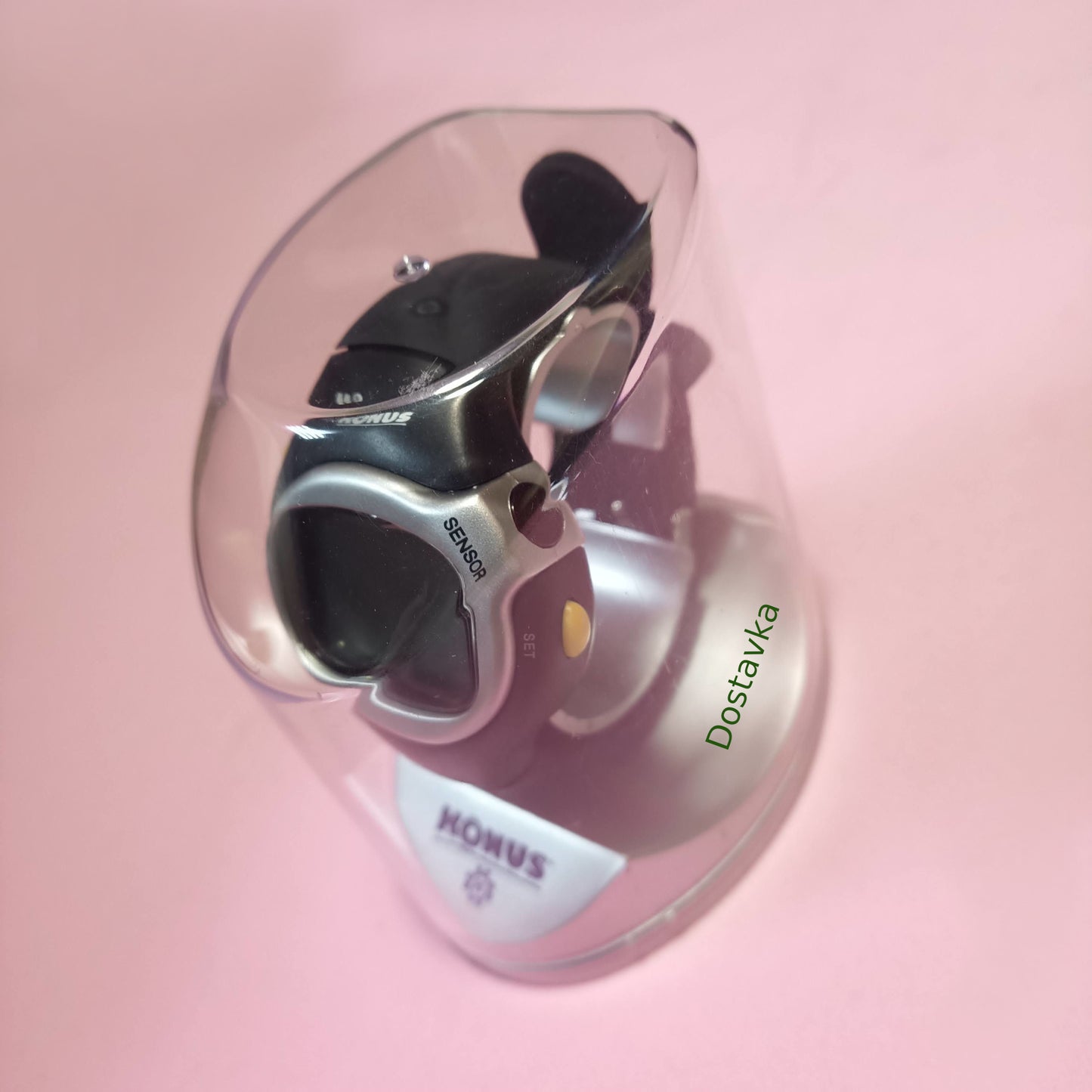
Description
Universal fitness watch. Time, alarm, chronograph, heart rate monitor. By measuring your pulse, the watch calculates how many calories you "burn" during your intense workout. Instructions:
- BUTTONS AND KEYBOARD (Fig. 1): Button A (RESET) = data reset Button B (MODE) = mode change • Button C (ST/STP) = start/stop Button D (SET) = regulation • Sensor E
FUNCTIONING CYCLE: Real-time mode (Fig. 2) Alarm mode (Fig. 3) Chronograph mode (Fig. 4) Exercise mode (Fig. 5) Heart rate mode (Fig. 6)
FUNCTIONS
1. REAL TIME MODE (Fig. 2): Keep the D (SET) button pressed until the hour digit starts flashing. Press the C button
(ST/STP) increase the numbers or go forward in the adjustment by pressing D(SET). - If you want to change the unit of weight from lb to kg, when the weight number is flashing, press A(RESET).
2. ALARM MODE (Fig. 3): In real-time mode, press the B (MODE) button to enter the alarm mode. Keep pressing the button
D (SET): The alarm is activated automatically and the numbers will start flashing. Press the C (ST/STP) button to increase the numbers, move to the next setting by pressing D (SET) Press the button
A (RESET) to turn the hour signal on/off (3). Press
button C (ST/STP) to turn the alarm on/off (1).
3. CHRONOMETER MODE
- Press button C (ST/STP) to start/stop counting. - When pressing button A (RESET) during counting, the chronometer stops for 10 seconds, but the counting continues inside. The device is reset by pressing button A (RESET) when stopped.
chronometer. 4. HEART RATE MODE
- Press the B (MODE) button 4 times in the current time mode to enter the PULSE mode. Keep the D (SET) button pressed for two seconds until the display shows TOUCH SENSOR. Then place your index finger on the E sensor and wait until the display shows the pulse value. If the measurement is incorrect, a sound will be heard and then the RETRY message will appear.
ATTEMPT). The measurement should be repeated. * RECOMMENDATIONS FOR INSTALLING THE FINGER ON THE SENSOR: install
finger so that the sensor is covered by the fingerprint. If the finger next to the nail turns white, it means that too much pressure is being applied. Adjust the position of the finger until you see the inscription change from "TOUCH SENSOR" to "PULSE" and until the small heart icon starts
blink. This means that your pulse is being recorded. 5. EXERCISE MODE
- Press the B (MODE) button 3 times in the current time mode to enter the EXRCS mode. Press the C (ST/STP) button to start the countdown and start doing exercises. When the exercises are finished, press the C (ST/STP) button again. Press D and you will get access to the empty mode with the heart icon. Hold down the D (SET) button for two seconds to measure your pulse, and when the TOUCH SENSOR inscription appears, place your index finger on the sensor. After 5 seconds, the average figure of calories burned will be displayed, taking into account your age, weight, gender, time spent on exercise, and a five-dash indication will appear, determining the intensity of the exercise performed (one dash - low intensity, five dashes - high intensity). - Press the B (MODE) button to return to the exercise mode and press the A button to reset. * NOTE: You can press the B (MODE) button to exit the EXERCISE mode. When you return to this mode, the counter will continue to count the total time of your exercises.
Latest updates